Analog Classics
£14.99Explore

CUBIC AUDIO · HYBRID SYNTHESIZER
From the first spark to the sound that makes the track.
Explore, layer and shape your next idea.
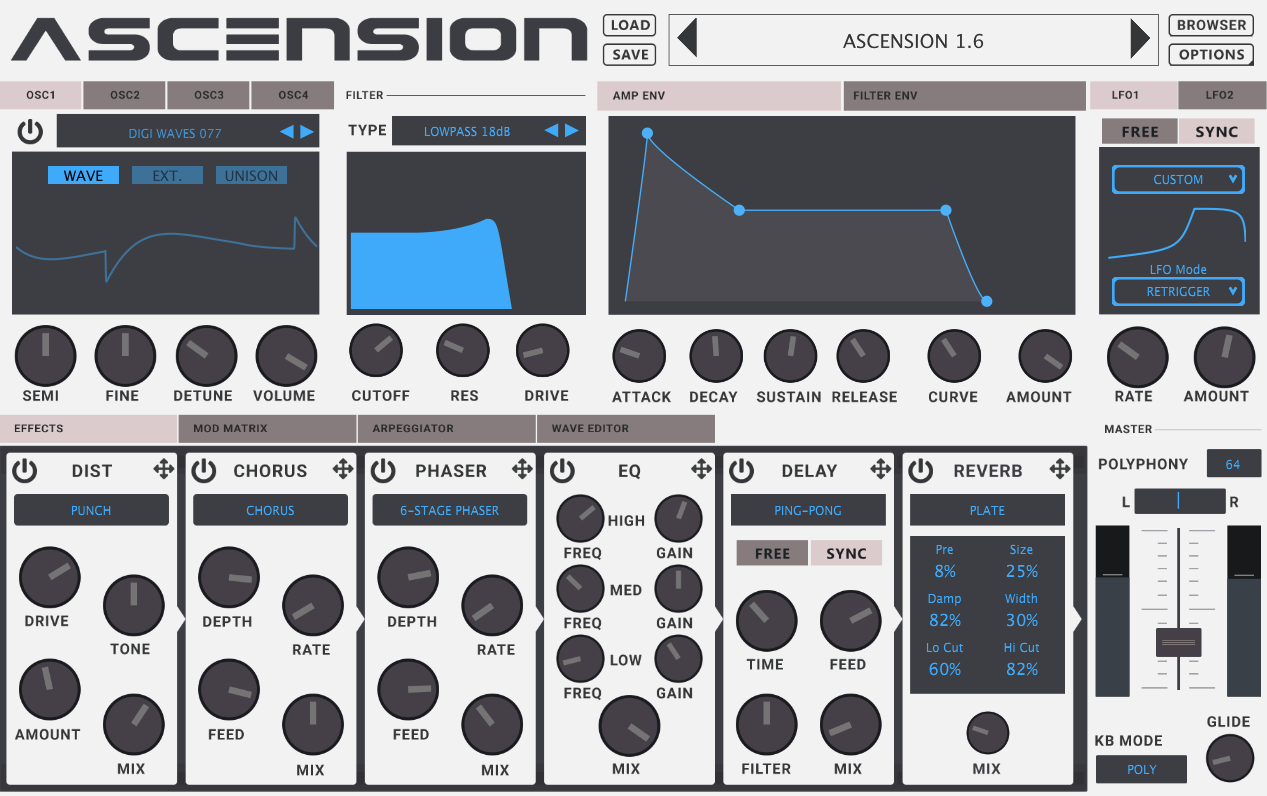
Click or tap a section of the synth to explore it.
Take a closer look01 / INSIDE THE INSTRUMENT
Start with a preset or build from the ground up. Take a closer look at what’s inside.
Combine subtractive oscillators, single-cycle waves and sampled hardware. Add FM and unison to build a sound with its own character.
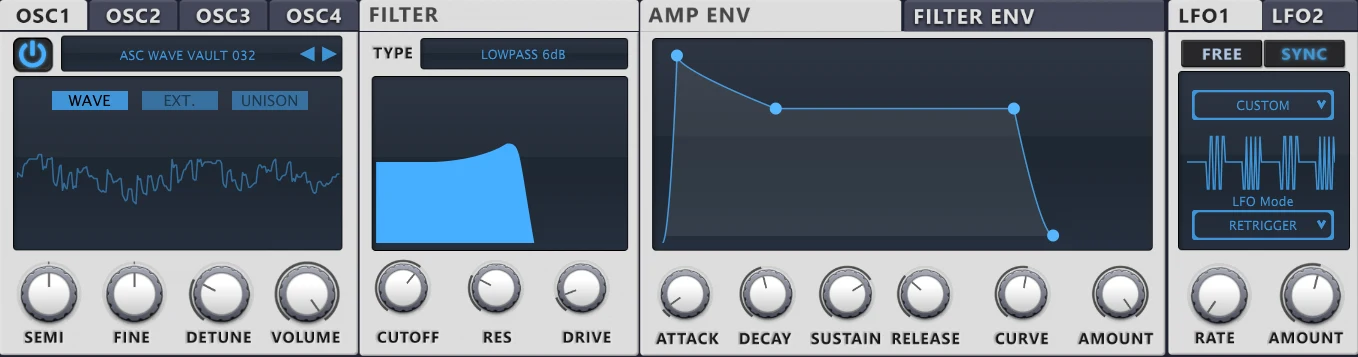
Actual Ascension interface
02 / PRESS PLAY
Listen to Ascension and a selection of its expansions. Keep exploring while the player keeps going.
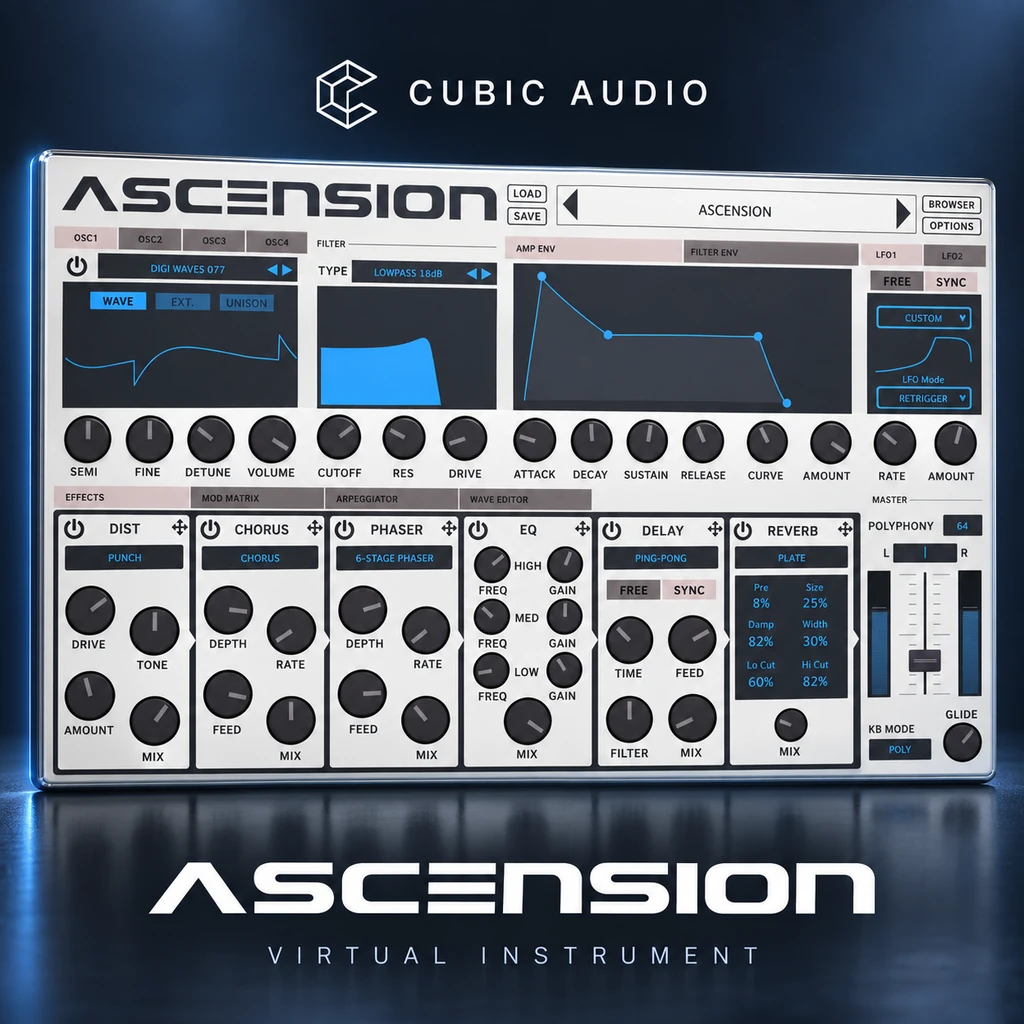
Instrument demo
Expansion demo · sold separately
Expansion demo · sold separately
Expansion demo · sold separately
Playback controls, seeking and volume stay with you as you browse.
“Ascension is a powerful
dance music workstation.”
Computer Music · MusicRadar · 28 July 2018
Review of the original Ascension release.03 / MORE PLACES TO GO
New starting points for your next track. Explore the Ascension expansion catalogue.
View all expansions
04 / BEFORE YOU BEGIN
Ascension v1 is a 64-bit instrument for Windows and macOS, with VST3 and Audio Unit formats.
Your download and registration key appear in your account. The setup guide takes you from installation to your hardware-bound licence file.
Open the v1 setup guideIn the synth, choose OPTIONS → Settings and copy your Hardware ID. Register it in your account, download the .asl file, then choose Import License in Ascension.
Yes. Explore the expansion catalogue for additional presets and sound collections. Expansion packs are sold separately and require Ascension.
Find your next expansionInstall Ascension on the new computer and register its Hardware ID. The licence file from your old computer cannot activate the new one.
Get help with your registrationPLAN YOUR SETUP
System requirements & compatibility. These hardware recommendations are practical starting points, not tested minimum specifications. Performance depends on your patch, project, audio buffer and host.
For playing and recording, an audio interface with a suitable low-latency driver is recommended. Higher buffer sizes can help with CPU-heavy patches and mixing. Check the installer’s release notes for your exact OS and host version.
YOUR NEXT INSTRUMENT
Ascension v1. An instrument to keep coming back to.
Already own it? Go to your libraryFull v1 instrument